
A barcode can hold a surprising amount of information, from product details and website links to contact information and payment details. Many people think they need a special device or paid software to read these codes, but today it is possible to scan barcode free using simple online tools, smartphone features, and free applications.
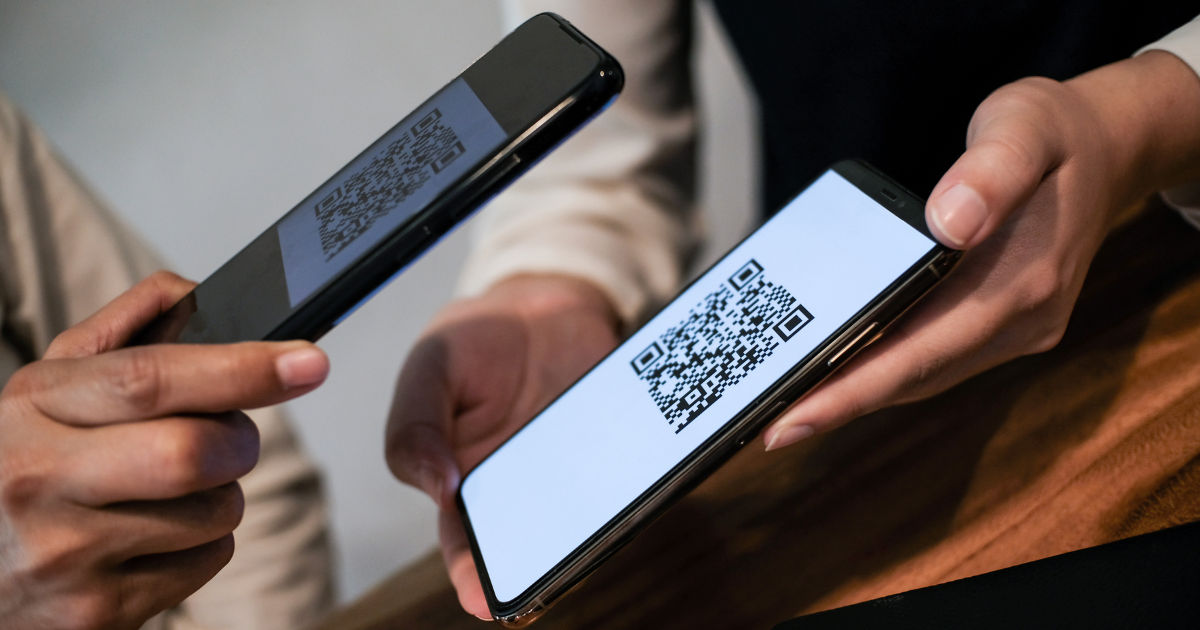
Whether you have a barcode saved as an image on your phone or received one through email or social media, you can quickly extract the information and scan barcode free without spending money. Learning how to scan barcode free from an image is useful for shopping, inventory management, product research, and everyday tasks. This guide explains different methods, how barcode scanning works, common problems, and tips to get accurate results.
Barcode Scanning From an Image
A barcode is a visual pattern made of lines, squares, or dots that stores information in a machine-readable format. Traditional barcode scanners use cameras or laser sensors to detect these patterns and convert them into readable information.
When you scan a barcode from an image, the scanning tool analyzes the picture, identifies the barcode area, and translates the encoded data. The process is similar to scanning a physical barcode, but instead of using a live camera, the scanner reads a saved image file.
Modern technology allows users to scan barcode free because many devices already include the necessary camera technology and image recognition features. Free online scanners and mobile apps can process barcode images within seconds.
Types of Barcodes You Can Scan From Images
Before choosing a scanning method, it helps to understand the common barcode types you may encounter.
UPC Barcodes
UPC (Universal Product Code) barcodes are commonly found on retail products. They usually contain 12 digits and are mainly used for identifying products in stores.
If you have a product barcode image, a free scanner can often identify the UPC number and provide product details.
QR Codes
QR codes are one of the most popular two-dimensional barcodes. They can store more information than traditional barcodes, including:
- Website links
- Text messages
- Contact information
- App download links
- Payment details
Many smartphones can read QR codes directly from images.
Code 128 Barcodes
Code 128 barcodes are widely used in warehouses, shipping, and business operations. They can store numbers and letters, making them useful for tracking products and packages.
EAN Barcodes
EAN barcodes are common internationally, especially on products sold outside North America. They work similarly to UPC codes but follow different numbering standards.
Methods to Scan Barcode Free From an Image
There are several ways to read a barcode image without paying for software. The best method depends on your device and the type of barcode you have.
Use Your Smartphone Gallery Features
Many modern smartphones include built-in image recognition tools that can identify barcodes and QR codes.
Scanning Barcode Images on Android
Android users can often use Google Lens to read barcode images.
The process is simple:
- Open the image containing the barcode.
- Tap the Google Lens option.
- Allow the tool to analyze the image.
- View the detected information.
Google Lens can recognize many barcode formats and provide related results.
Scanning Barcode Images on iPhone
iPhone users can use built-in features or image recognition tools to read QR codes and some barcode formats.
Steps usually include:
- Open the image in the Photos app.
- Use available recognition options.
- Tap the detected barcode information.
The exact features depend on the iOS version and device model.
Use Online Barcode Scanner Tools
Online barcode scanners are another easy option. They allow users to upload an image and receive barcode information quickly.
A typical process looks like this:
- Open a free barcode scanning website.
- Upload the barcode image.
- Wait while the tool processes the image.
- Read the extracted information.
These services are helpful when you do not want to install an application. They can help you scan barcode free from a computer, tablet, or smartphone.
However, users should choose reliable websites and avoid uploading images containing private information.
Use Free Barcode Scanner Apps
Many free mobile applications can scan barcode images. These apps usually provide additional features, such as:
- Product searches
- Price comparisons
- Barcode history
- Inventory tracking
When selecting an app, check user reviews, permissions, and update history. A trustworthy app should not request unnecessary access to personal data.
How to Scan Barcode Free Using a Computer
You do not always need a smartphone. A computer can also scan barcode images.
Upload Image-Based Barcode Scanners
Many browser-based tools allow you to upload an image directly from your computer.
The steps are:
- Save the barcode image on your computer.
- Open a free online scanner.
- Upload the image.
- Let the system analyze the barcode.
- Copy the results.
This method is useful for businesses, students, and people working with large numbers of barcode images.
Use Image Processing Software
Some image editing and recognition programs can identify barcode patterns. These tools may require more technical knowledge but can be helpful for professional use.
Tips for Better Barcode Scanning Results
Sometimes a barcode scanner may fail to recognize an image. Several factors can affect accuracy.
Use a Clear Image
Image quality plays an important role. A blurry or low-resolution picture may prevent the scanner from identifying the barcode correctly.
For better results:
- Use high-resolution images.
- Avoid blurry photos.
- Keep the barcode visible.
- Avoid heavy compression.
Make Sure the Barcode Is Not Damaged
A barcode with missing sections, scratches, or distorted patterns may not scan properly.
If possible, use the original image instead of a screenshot that has been resized multiple times.
Improve Lighting and Contrast
For photos of physical barcodes, good lighting improves recognition. Shadows and reflections can interfere with scanning.
A clear image with strong contrast between the barcode and background usually produces better results.
Crop the Barcode Area
If an image contains many objects, the scanner may struggle to find the barcode.
Cropping the image around the barcode helps the tool focus on the important area.
Common Reasons Barcode Scanning Fails
Even free barcode scanners can sometimes have problems. Understanding the causes can help you fix them.
Poor Image Quality
The most common reason for failure is a low-quality image. A scanner needs enough detail to recognize the barcode structure.
Try using a clearer image or taking another photo.
Unsupported Barcode Format
Some scanners support only specific barcode types. If the barcode format is unusual, you may need a more advanced tool.
Incorrect Image Angle
Barcodes photographed at extreme angles may appear distorted. Try adjusting the image perspective before scanning.
Damaged Barcode Information
If the barcode itself is incomplete, no scanner may be able to recover the missing information.
Is It Safe to Scan Barcodes Online?
Most barcode scanning is safe, but users should still be careful.
A barcode may contain a website link or other information. Before opening any link, check whether it looks trustworthy.
Safety tips include:
- Avoid unknown websites.
- Do not enter sensitive information after scanning suspicious codes.
- Use trusted scanning tools.
- Keep your device security software updated.
Free barcode scanners are convenient, but users should always consider privacy when uploading images online.
Benefits of Scanning Barcode Images
The ability to read barcode images provides several advantages.
Quick Access to Information
Instead of manually typing product numbers or website addresses, users can extract information instantly.
Saves Time
Businesses and individuals can process barcode data faster compared to manual entry.
Useful for Shopping
Customers can scan product barcodes to compare prices, find reviews, or check product information.
Helpful for Businesses
Companies use barcode scanning for:
- Inventory management
- Product tracking
- Warehouse organization
- Asset management
Difference Between Scanning a Barcode Image and a Physical Barcode
The main difference is the source of the barcode.
A physical barcode is scanned directly from a product or label. An image barcode is scanned from a digital file.
Both methods use similar recognition technology. The main challenge with image scanning is ensuring the picture quality is good enough.
Physical scanners are often faster for professional environments, but image-based scanning is more convenient for everyday users.
How Businesses Can Use Free Barcode Scanning
Small businesses can benefit greatly from free barcode scanning solutions.
For example, store owners can photograph product labels and quickly organize information. Online sellers can check product details without purchasing expensive equipment.
Free scanning tools are especially useful for:
- Small inventory projects
- Product research
- Basic tracking systems
- Personal collections
As businesses grow, they may eventually require professional barcode systems, but free tools are an excellent starting point.
Frequently Asked Questions
Can I scan a barcode from a screenshot?
Yes, most barcode scanners can read screenshots if the barcode image is clear. The quality of the screenshot determines whether scanning will succeed.
Can I scan barcode free without downloading an app?
Yes. Many online barcode scanners allow users to upload an image directly through a web browser.
Do free barcode scanners work with all barcode types?
Not always. Most support popular formats like QR codes, UPC, and EAN, but some specialized barcodes may require specific software.
Why is my barcode image not scanning?
The image may be blurry, damaged, too small, or saved in a format that reduces quality. Try using a clearer image.
Can I scan a barcode from a PDF file?
Yes. If the PDF contains a clear barcode image, you can usually upload a screenshot or extract the image and scan it.
Are free barcode scanning tools accurate?
Most modern tools are highly accurate when the barcode image is clear and properly displayed.
Conclusion
Being able to scan barcode free from an image makes accessing information easier than ever. You no longer need expensive equipment or complicated software to read barcode data. Smartphones, online tools, and free applications provide simple solutions for individuals, shoppers, and businesses.
The key to successful barcode scanning is using a clear image, selecting a reliable scanning method, and understanding the barcode type you are working with. Whether you need to identify a product, open a QR code link, or organize inventory information, free barcode scanning options can complete the task quickly.
As technology continues to improve, barcode recognition will become even faster and more accessible. By using the right tools and following best practices, anyone can easily extract information from barcode images without paying for premium services.